
 Meesho
 Flipkart
 Amazon
 Myntra
 JioMart
 Snapdeal
 GlowRoad
 Limeroad
 Shop101
 Shopdeck
 Citymall
 Ajio
 Other courier PDF
 PDF to Word
 PDF to Excel
 Edit PDF
 Merge PDF
 Split PDF
 Crop PDF
 Remove pages
 Extract pages
 Reorder pages
 Rotate PDF
 Page numbers
 Watermark PDF
 JPG to PDF
 PDF to JPG
 Compress PDF
 Unlock PDF
Overview
A practical checklist for setting up a thermal label printer for marketplace orders.
Before you buy
- Check that the printer supports 4 x 6 inch (100 x 150 mm) labels.
- Confirm driver support for your computer.
- Buy a few spare rolls of the same size.
First setup
- Install the driver and print a test page.
- Set the paper size to 4 x 6 inch in the printer settings.
- Set print scale to 100 percent so nothing shrinks.
Every day
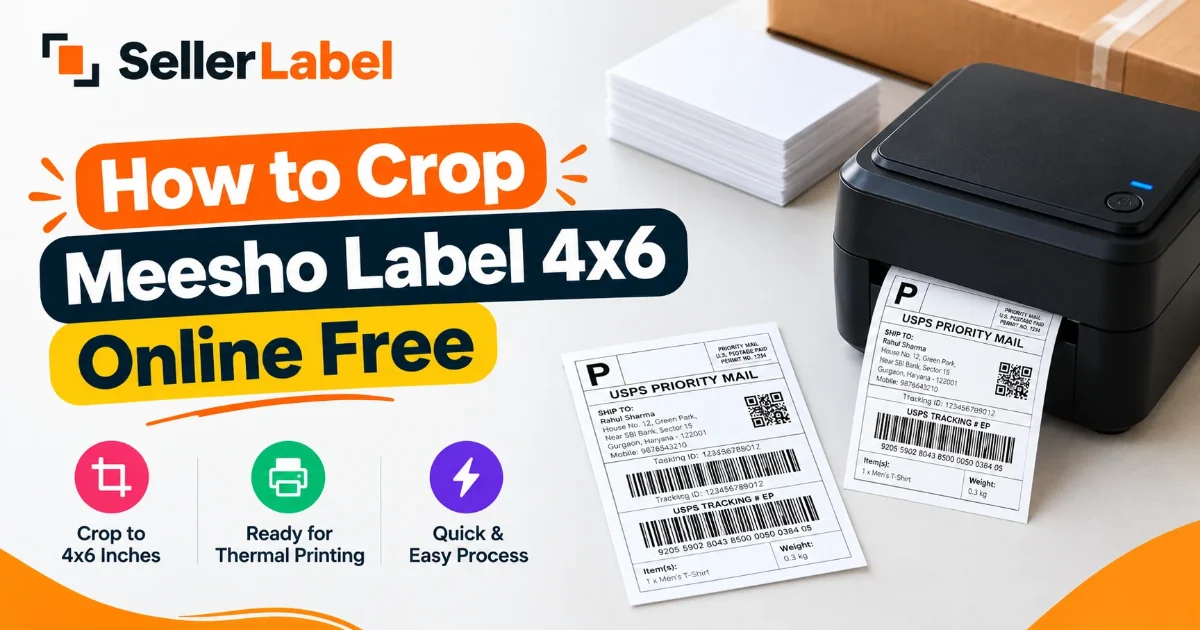
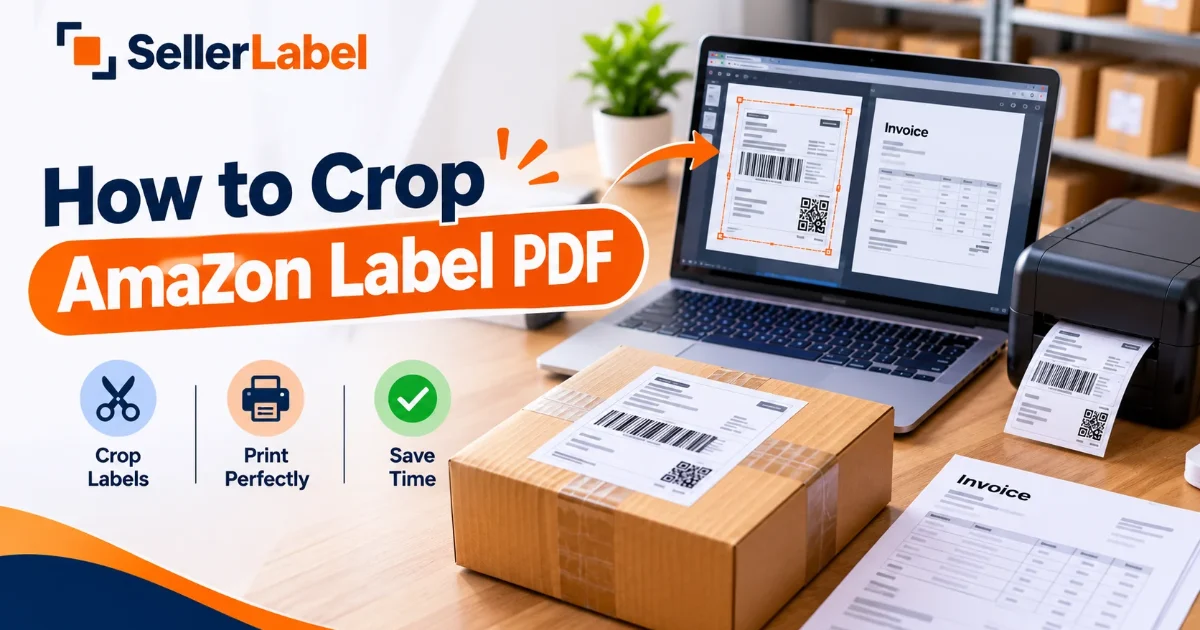
Crop the labels to the right size first, then print the single output file. This keeps the printer from scaling an A4 page down and making the barcode hard to scan.
No comments yet. Be the first to share your thoughts.