
 Meesho
 Flipkart
 Amazon
 Myntra
 JioMart
 Snapdeal
 GlowRoad
 Limeroad
 Shop101
 Shopdeck
 Citymall
 Ajio
 Other courier PDF
 PDF to Word
 PDF to Excel
 Edit PDF
 Merge PDF
 Split PDF
 Crop PDF
 Remove pages
 Extract pages
 Reorder pages
 Rotate PDF
 Page numbers
 Watermark PDF
 JPG to PDF
 PDF to JPG
 Compress PDF
 Unlock PDF
Meesho sellers often look for practical ways to reduce shipping costs without changing their product prices or affecting their profit margins. One method that has gained attention is using different product image variants to check whether Meesho shows a different shipping amount.
The idea is simple: create a few genuine variations of the same product image, test them in the Meesho Supplier Panel, and compare the shipping amount displayed for each version.
However, there is no guarantee that changing a product image will reduce shipping charges. Results can vary depending on the product, category, account, and Meesho's shipping calculations.
In this guide, you will learn what Meesho low shipping image variants are, how to create and test them, what to check before using them, and which other steps can help you manage shipping costs.
What Are Meesho Low Shipping Image Variants?
Meesho low shipping image variants are different versions of the same product photograph. The product remains the same, but its image presentation may change slightly.
For example, you can create multiple versions of a handbag photograph by changing:
-
Image framing
-
White space around the product
-
Product positioning
-
Background presentation
-
Overall image layout
These variations can then be tested to see whether the shipping amount displayed in the Supplier Panel changes.
The purpose is not to misrepresent the product or hide its actual size. Every image should clearly show the same product and accurately represent what the customer will receive.
If you want to create and test image variations, you can use the Meesho Low Shipping Images Tool on SellerLabel.
Can Image Variants Really Reduce Meesho Shipping Charges?
This is the most important question for sellers.
Changing a product image does not change the actual weight, dimensions, or packaging of the parcel. Meesho's shipping charges can depend on factors such as shipment weight, dimensions, delivery location, and applicable shipping rules.
Some sellers test different product image versions and report differences in the shipping amount displayed in their Supplier Panel. However, this should be treated as something to test, not a guaranteed method of reducing shipping costs.
Keep these points in mind:
-
Image variants do not physically reduce parcel weight.
-
A different image does not guarantee a lower shipping amount.
-
Results may differ between products and categories.
-
Always compare the shipping amount shown in your own Supplier Panel.
-
Never use misleading images to make a product appear smaller or different.
The safest approach is to test genuine image variations and use the version that represents your product accurately.
How to Create Meesho Low Shipping Image Variants
You do not need to change the actual product to create image variants. Start with a clear original product photograph and prepare a few genuine layout variations.
Step 1: Select the Product
Choose a product listing for which you want to test different image versions.
It is better to start with one product rather than changing images across your entire catalogue at once. This makes it easier to compare the results.
Note down the product category, selling price, and shipping amount currently displayed in your Supplier Panel.
Step 2: Prepare the Original Product Image
Use a clear, high-quality photograph of the actual product.
Before creating variations, check that:
-
The complete product is visible.
-
The image is properly focused.
-
The background does not hide important product details.
-
The product colour and appearance are accurate.
-
The image does not contain misleading text or graphics.
Keep the original image unchanged so that you can compare it with the new versions.
Step 3: Generate Different Image Variants
Now create a few versions of the same photograph. You can experiment with different framing and positioning while keeping the product itself unchanged.
For example:
-
Clean framing: Keep the product centred with a neat background.
-
Extra white space: Add a little more space around the product.
-
Frame adjustment: Slightly change the product's position within the image.
-
Background variation: Try a clean, simple background that keeps the product clearly visible.
You can use SellerLabel's Meesho Low Shipping Images Tool to prepare image variations for testing.
Do not stretch, shrink, hide, or alter the actual product to create a misleading impression.
Step 4: Review and Download the Variants
After generating the images, review every version carefully.
Check that the product is clearly visible and that the image still represents the original item accurately.
Remove any version that looks confusing, distorted, or different from the actual product.
Keep the original image and the selected variants in separate folders so you can compare them easily.
Step 5: Compare Shipping Amounts in the Supplier Panel
This is the most important part of the process.
Use the same product details while comparing the original image and the variants. Keep the product category and selling price consistent wherever applicable.
Check the shipping amount displayed in the Supplier Panel, including the Shipping (added separately) amount where shown.
You can record your results in a simple table:
| Image version | Product details | Shipping amount |
|---|---|---|
| Original image | Same product and price | Record amount |
| Variant 1 | Same product and price | Record amount |
| Variant 2 | Same product and price | Record amount |
| Variant 3 | Same product and price | Record amount |
If the shipping amount changes, note the result. Do not assume that the same result will apply to every product.
Step 6: Select an Accurate Product Image
After comparing the variants, select an image that looks clear, professional, and accurate.
A lower displayed shipping amount should not be the only reason to choose an image. The product photograph must match the actual item customers will receive.
Different Types of Product Image Variants to Test
Here are some simple image variations that sellers can experiment with.
1. Clean Product Framing
Keep the product in the centre with enough space around it. Avoid unnecessary objects, decorative elements, or distracting backgrounds.
2. Extra White Space
Try adding a little more empty space around the product while keeping its appearance and proportions unchanged.
3. Product Position Adjustment
Move the product slightly within the image frame. Make sure it remains fully visible and is not cut off.
4. Simple Background Changes
Test clean backgrounds that make the product easy to see. Avoid backgrounds that change the perceived colour, size, or appearance of the item.
These are image presentation variations, not proven shipping reduction techniques. Test them individually and compare the actual amount shown in your account.
How to Check Meesho Shipping Charges
Apart from testing image variants, sellers should understand how much shipping may affect their product margins.
SellerLabel also provides a Meesho Shipping Calculator that sellers can use to estimate and check shipping-related costs.
When reviewing shipping charges, pay attention to:
-
Product category
-
Product selling price
-
Shipment weight
-
Package dimensions
-
Delivery location
-
Shipping amount shown in the Supplier Panel
Remember that a calculator can help with estimates, but the amount displayed by Meesho for your actual order should be treated as the relevant platform amount.
Other Practical Ways to Manage Meesho Shipping Costs
Image testing is only one thing sellers can explore. You should also pay attention to the physical parcel and order-processing details.
1. Check the Actual Packed Weight
Always check the weight of the product after packaging, not just the weight of the product without packaging.
Use a weighing scale to measure the final parcel before dispatch.
2. Use Suitable Packaging
Choose packaging that protects the product without adding unnecessary weight or bulk.
For example, avoid using an oversized box when a suitable lightweight package can safely protect the item.
3. Measure Parcel Dimensions
Measure the length, width, and height of the packed parcel correctly.
Depending on the applicable shipping calculation, parcel dimensions may also matter. Do not assume that only the product's physical weight is relevant.
4. Review Shipping and Return Deductions
Check your settlement details and order reports regularly. Look for shipping-related deductions, return charges, and other adjustments that may affect your final profit.
This helps you understand your actual shipping expense instead of judging it only by the amount shown before an order is shipped.
5. Prepare Shipping Labels Correctly
Correct label preparation helps avoid printing mistakes and saves time while processing orders.
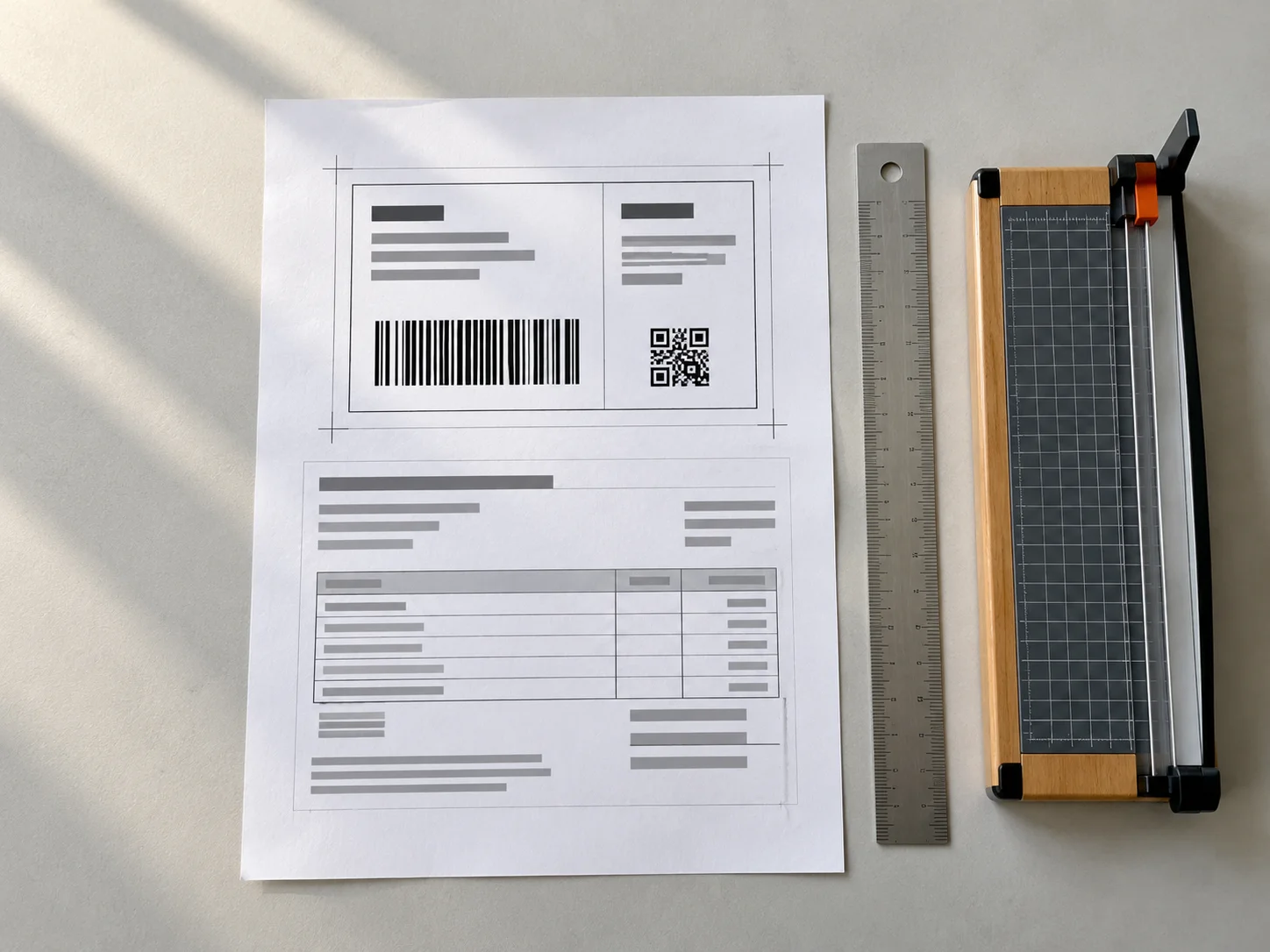
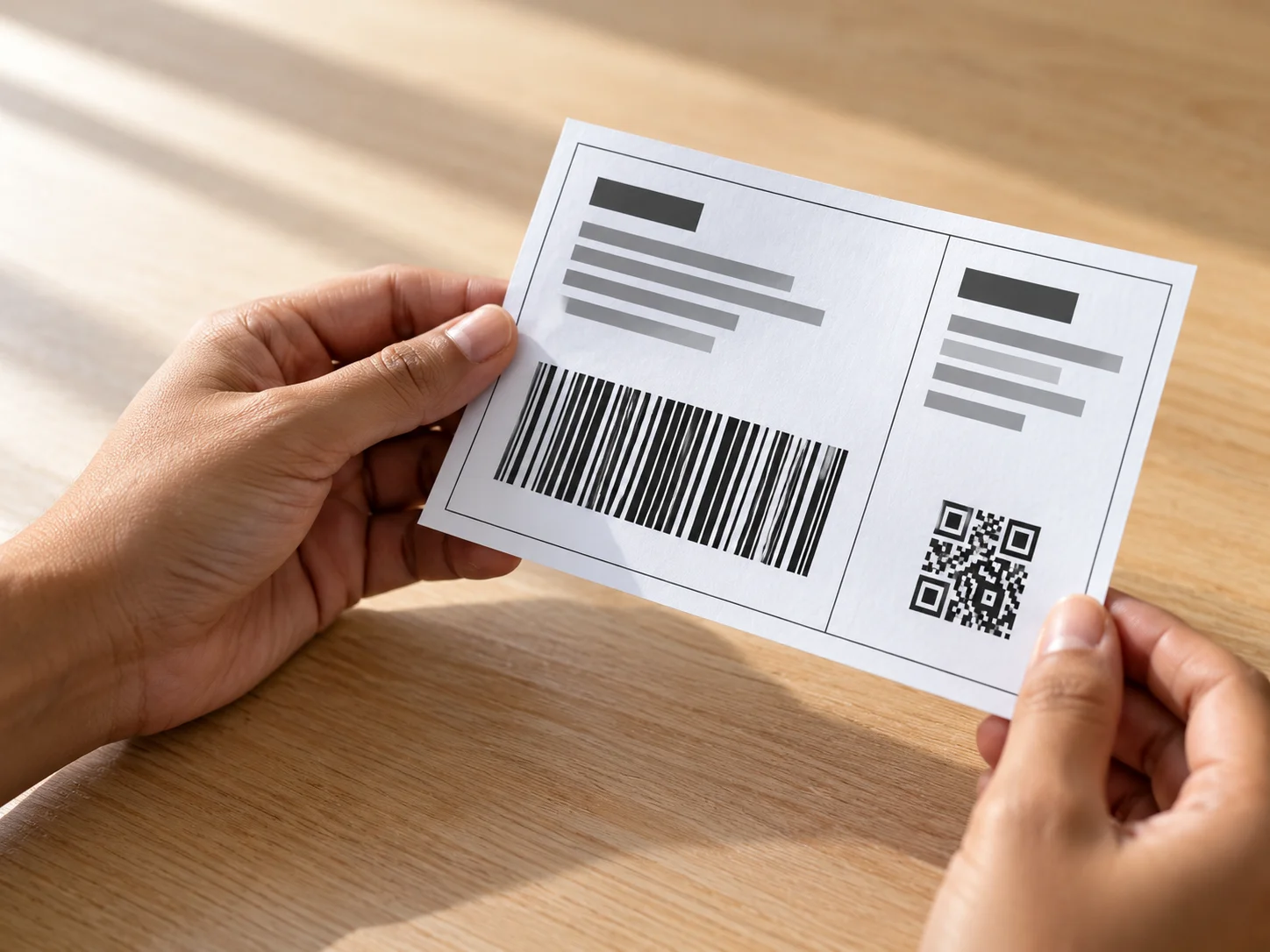
If you sell on Meesho, you can use the SellerLabel Meesho Label Crop Tool to prepare Meesho shipping labels for printing.
The tool is useful for label processing. It does not reduce the actual shipping charge or generate low-shipping product images.
Common Mistakes to Avoid When Creating Meesho Image Variants
Sellers should avoid these mistakes while testing product image variations:
-
Changing the actual product appearance: Do not edit the product in a way that misleads customers.
-
Using blurry images: Low-quality images can make product details difficult to understand.
-
Testing multiple changes together: Change one image element at a time wherever possible so you can compare results.
-
Assuming lower shipping is guaranteed: Image variants do not guarantee a reduction in shipping charges.
-
Ignoring packed weight: Image changes do not affect the actual parcel weight or dimensions.
-
Using unverified tools or extensions: Avoid unknown APK files, browser extensions, and websites that ask for your Meesho password or OTP.
-
Changing every listing at once: Test a small number of products first and review the results before making wider changes.
Frequently Asked Questions
1. What are Meesho low shipping image variants?
They are different versions of the same product photograph, created by changing elements such as framing, positioning, white space, or background for testing.
2. Can changing product images reduce Meesho shipping charges?
There is no guarantee. Some sellers test image variations and observe differences, but changing an image does not change the actual parcel weight or dimensions.
3. How can I create Meesho low shipping images?
Start with a clear original product photograph, create a few genuine image variations, review them, and compare the shipping amount displayed in your Supplier Panel.
4. Is there a free Meesho low shipping image generator?
SellerLabel provides a Meesho Low Shipping Images Tool that you can visit to prepare image variations for testing.
5. Does image size affect Meesho shipping charges?
An image's visual layout and the physical parcel's dimensions are two different things. Changing the product image does not change the actual packed parcel size.
6. How many image variants should I test?
Start with a small number of variations, such as two or three. Compare each version separately and keep the product details consistent.
7. Should I change the product category while testing image variants?
No. Keep the product category consistent during comparison. Changing multiple listing details at once makes it difficult to understand what caused a difference in the displayed amount.
8. Can I use the same image variant for all my Meesho products?
Not necessarily. Different products have different shapes, sizes, and photography requirements. Every image should accurately represent the specific product.
9. Does Meesho calculate shipping charges using product images?
Meesho's complete shipping calculation process is not publicly documented in a way that establishes image changes as a guaranteed factor. Do not assume that changing an image will reduce shipping charges.
10. Does reducing image file size reduce shipping charges?
No. Compressing a digital image file does not reduce the physical weight or dimensions of the parcel.
11. How can I check my Meesho shipping amount?
Check the shipping amount displayed in your Meesho Supplier Panel. You can also use the Meesho Shipping Calculator for shipping-related estimates.
12. What is the safest way to test low shipping image variants?
Use genuine product photographs, create a few simple variations, keep product details consistent, compare the displayed shipping amounts, and select an image that accurately represents the product.
Final Thoughts
Meesho low shipping image variants are worth testing if you want to explore different ways of presenting your product photographs. However, they should not be treated as a guaranteed method of reducing shipping charges.
Start with one product, prepare a few clear image versions, and compare the shipping amount in your Supplier Panel while keeping the other listing details consistent.
Along with image testing, focus on packed weight, parcel dimensions, suitable packaging, and shipping deductions. These practical checks can help you understand your shipping expenses and manage your selling margins more carefully.
You can also explore SellerLabel's free online tools for sellers to simplify everyday tasks such as shipping label preparation and PDF handling.
Test carefully, use accurate product images, and always check the actual shipping amount before making changes across your catalogue.
No comments yet. Be the first to share your thoughts.